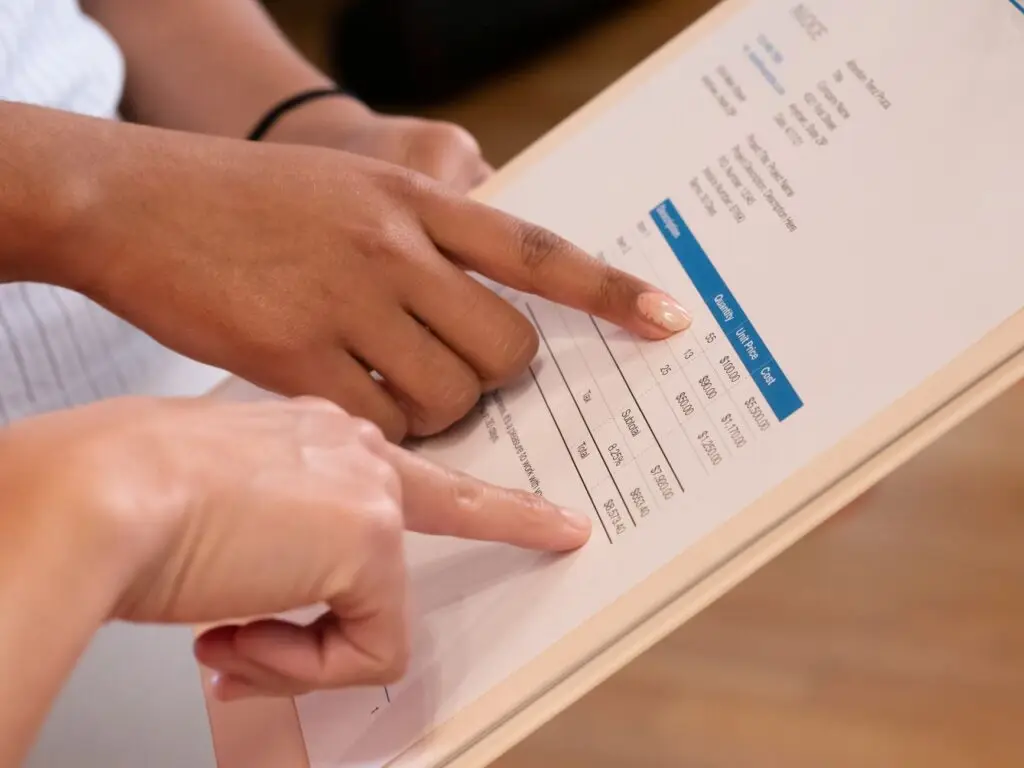
A PEO billing report is a detailed invoice your PEO sends each pay period that breaks down payroll costs, employer taxes, benefits premiums, and administrative fees for every employee on your account. Most business owners sign off on it without a second glance — and that’s exactly how overcharges slip through. Based on our experience matching hundreds of businesses with PEO providers, a quick monthly audit of your PEO billing report can surface hundreds or even thousands of dollars in errors every year.
What Is a PEO Billing Report?
A PEO billing report is the primary financial document your Professional Employer Organization (PEO) sends you each pay cycle. Think of it as a master payroll summary combined with an HR services invoice — all rolled into one. It tells you what you owe, why you owe it, and how it breaks down across your workforce.
The problem is that these reports are dense. A mid-size business with 30 employees can receive a billing report that runs 8–12 pages, packed with line items, codes, and abbreviations that aren’t exactly self-explanatory. Most owners glance at the total, approve it, and move on. That habit is expensive.
According to NAPEO, businesses that use PEOs save an average of $1,775 per employee per year compared to managing HR in-house. But that savings evaporates fast if you’re silently absorbing billing errors month after month.
What’s Typically Included in a PEO Invoice
Every PEO formats its billing report slightly differently, but you’ll almost always find these core sections:
- Gross payroll: Total wages paid to all W-2 employees before deductions
- Employer payroll taxes: FICA (Social Security and Medicare), FUTA, and SUTA contributions
- Workers’ compensation premiums: Calculated per pay period based on job classification codes and payroll
- Benefits premiums: Medical, dental, vision, life, and any voluntary benefits — both employer and employee portions
- PEO administrative fee: Either a flat per-employee-per-month (PEPM) fee or a percentage of gross payroll
- Employee-level detail: A line-by-line breakdown showing each employee’s individual costs
Not sure if a PEO makes sense for your business? Our free calculator shows you the real cost in 60 seconds — no call, no email, no commitment.
How to Read Your PEO Billing Report Step by Step
Reading your PEO billing report correctly means going beyond the total-due line. Here’s the process we recommend walking through every pay period.
Step 1: Reconcile the Employee Count
Start with the simplest check: count the employees on the report and match it against your actual headcount. If someone left last month and they’re still showing up as an active employee, you’re paying benefits premiums and admin fees for a ghost. This happens more often than PEOs like to admit, especially around month-end terminations.
Cross-reference terminated employees against the report’s effective dates. Benefits premiums are often billed a full month in advance, so a termination on the 3rd of the month can still generate a full month of charges if the PEO’s system isn’t updated promptly.
Step 2: Verify Gross Payroll Figures
Your PEO’s reported gross payroll should match your own payroll records exactly — down to the dollar. Pull your internal payroll run from the same period and compare line by line. Discrepancies here often point to a data entry error on a new hire, an incorrect salary change, or a bonus that was double-counted.
Also check whether any contractors or 1099 workers are accidentally included in the W-2 payroll section. The IRS distinguishes clearly between employees and independent contractors — and misclassification in either direction creates tax and billing problems.
Step 3: Audit the Workers’ Comp Charges
Workers’ compensation is one of the most common sources of overcharges in a PEO billing report. Premiums are calculated using job classification codes (called NCCI codes) assigned to each employee based on their role. Errors happen when:
- An employee is assigned to the wrong class code (e.g., an office manager coded as a manual laborer)
- An employee who changed roles wasn’t re-coded in the system
- Your experience modification rate (X-Mod) wasn’t updated after a good claims year
According to the Bureau of Labor Statistics, workers’ comp costs vary dramatically by industry and job type — so even a single miscoded employee can skew your bill meaningfully over a year. Ask your PEO for a full class code listing for all employees at least once per quarter.
Step 4: Check Benefits Premium Allocations
Your PEO billing report should show the employer’s share and the employee’s share of every benefit separately. Confirm that employee deductions match what’s actually being withheld from paychecks. If the employer contribution shown on the invoice is higher than what you agreed to during open enrollment, you may be subsidizing more than you intended.
Also verify that employees on waived coverage aren’t generating premium charges. Employees who opt out of health insurance should show zero on the medical premium line — but billing systems sometimes fail to process waivers correctly.
Step 5: Scrutinize the Admin Fee Calculation
Your PEO’s administrative fee is either a flat PEPM rate or a percentage of gross payroll. Either way, you should be able to reconstruct it yourself from the numbers on the page. If it’s percentage-based, multiply the stated rate by gross payroll and see if the result matches the fee charged. If it’s PEPM, multiply the rate by active employee count.
We’ve seen cases — detailed in our post on hidden fees with ADP TotalSource — where administrative fees creep up subtly over time without a formal rate-change notice. Year-over-year comparison of your admin fee line is worth doing every January.
Common PEO Overcharges to Watch For
Based on our analysis of 40+ PEO providers and the billing disputes we’ve helped clients navigate, these are the overcharges that appear most frequently.
| Overcharge Type | How It Happens | How to Catch It |
|---|---|---|
| Ghost employees | Terminated workers still active in system | Compare headcount to termination log monthly |
| Wrong NCCI class codes | Employees coded to higher-risk job categories | Request full class code roster quarterly |
| Waiver failures | Opted-out employees still generating premiums | Cross-check enrollment status vs. premium charges |
| Duplicate payroll runs | System error processes a pay period twice | Compare pay period count to calendar |
| Stale X-Mod factor | Old claims modifier not updated after good year | Request annual X-Mod confirmation in writing |
| Unauthorized fee increases | Admin fee percentage quietly bumped up | Recalculate fee from gross payroll each period |
| Misallocated bonuses | Bonus payroll inflates workers’ comp calculation | Confirm which pay types are excluded from WC base |
How to Build a Simple PEO Billing Audit Routine
You don’t need an accountant to do this. A consistent 20-minute review each pay period catches the majority of errors before they compound. Here’s the rhythm we recommend:
Every Pay Period
- Verify employee count matches your HR system
- Confirm gross payroll matches your internal run
- Spot-check 3–5 individual employee lines for accuracy
- Recalculate the admin fee from raw numbers
Monthly
- Review all new hire and termination effective dates
- Check that benefits waivers are processing correctly
- Compare this month’s total to last month — flag anything over 5% variance that isn’t explained by headcount change
Quarterly
- Request a full NCCI class code report and verify job title alignment
- Review your experience modification factor
- Pull a year-to-date summary and compare admin fees to your signed contract rate
If you’re shopping PEOs and want to understand how pricing and billing structures compare across providers, our Insperity cost comparison and Gusto vs. Justworks breakdown are good reference points for what transparent billing looks like.
When to Dispute a Charge — and How
If you find a discrepancy, document it before you call. Screenshot or export the relevant section of the billing report, pull the supporting payroll data, and write out the expected number versus what was charged. Most PEOs have a formal billing dispute process — ask your account manager for the correct channel, because emailing a general support inbox often results in slow turnaround.
For recurring errors or unresolved disputes, escalate to your dedicated client success rep or request a billing audit from the PEO’s finance team. If the PEO is unresponsive or the errors are systematic, that’s a red flag worth factoring into your next PEO evaluation.
Persistent billing problems are one of the top reasons businesses switch PEOs. According to NAPEO, the PEO industry serves over 4 million worksite employees — and billing accuracy is consistently cited as a top satisfaction driver in client retention surveys.
Is It Time to Reassess Your PEO?
If you’re finding errors regularly, paying more than your contract specifies, or simply can’t get a straight answer from your PEO’s billing team, it may be time to compare your options. Our free PEO cost calculator gives you a benchmark in under 60 seconds — no sales call required.
In our experience matching hundreds of businesses across 40+ vetted PEO providers, the best PEOs offer transparent, itemized billing with dedicated account support and a clear dispute resolution process. If yours doesn’t, better options exist.
Frequently Asked Questions
How often should I audit my PEO billing report?
You should do a basic review every pay period — which takes about 15–20 minutes once you know what to look for. A more thorough quarterly audit covering class codes, benefits enrollment status, and year-to-date fee totals helps catch slower-moving errors that can compound over several months.
What’s the most common PEO billing error?
In our experience, the most common PEO billing error is terminated employees remaining active in the billing system and continuing to generate benefits premiums and admin fees. This is especially common when terminations happen near the end of a billing cycle and the PEO’s HR system isn’t updated promptly.
Can I negotiate a refund if I find a PEO overcharge?
Yes — most PEOs will issue a credit or refund for documented billing errors, especially if you can show the discrepancy clearly with supporting payroll data. Document everything in writing and escalate through your account manager rather than general support to resolve issues faster.
What are NCCI class codes and why do they matter on my PEO bill?
NCCI class codes are standardized job classification codes used to calculate workers’ compensation premiums — higher-risk jobs carry higher rates. If an employee is assigned the wrong code, you may be paying a significantly higher workers’ comp rate than your actual workforce warrants, which can add up to thousands of dollars annually.
How do I know if my PEO admin fee has increased without notice?
Recalculate the admin fee yourself each billing period: if it’s percentage-based, multiply the rate in your contract by gross payroll and compare to what was charged; if it’s a flat PEPM rate, multiply by active employee count. Any gap between your calculation and the invoice total warrants a direct question to your account manager in writing.
Ready to Find a PEO With Transparent Billing?
We’ll match you with vetted providers who offer clear, auditable invoices and dedicated account support — at no cost to you.
Not ready to book a call? Get a free Benefits Benchmark Report for your industry — we will email you a breakdown of what companies your size are paying for HR, benefits, and workers comp so you can compare on your own timeline.